A photo dump is a carousel of loosely connected photos: a month, a trip, a weekend, or just whatever was on your camera roll. Instagram takes up to 20 slides in one post, so there is room for a lot. The trick is to make it look unplanned while choosing every slide on purpose.
15 photo dump ideas
- The month recap: the best moment from each week.
- The weekend: Friday night to Sunday afternoon.
- The trip, without the tourist shots: the hotel window, the snacks, the bus, the view.
- Everything I ate: one city or one week, told through food.
- Small things that made me happy: a good coffee, a dog, a sunset, a text.
- Outfits of the week, mirror selfies included.
- The season: first snow, first beach day, the leaves turning.
- Before and after: a room, a garden, a haircut, a project.
- Behind the scenes of an event, a shoot or a launch.
- One color: everything pink you saw this month.
- The year in 20 photos, for December or a birthday.
- The friends dump: blurry group shots welcome.
- The pet's month, from the pet's point of view.
- Then and now: old photos next to new ones of the same place or people.
- Notes and screenshots: a ticket, a playlist, a note to self, mixed with photos.
The order that keeps people swiping
- Lead with your best photo. It is the only slide shown on your profile grid and the one that decides whether anyone swipes.
- Slide 2 should be different. If slide 1 is a wide view, make slide 2 a close-up, a person or a detail.
- Alternate. Wide, close, person, place, detail. Two similar photos in a row feel like a repeat.
- Put a surprise in the middle: a funny photo, a screenshot or a video.
- End quietly: a sunset, a view, a calm last frame.
Order by look, not strictly by time. A dump that jumps around but flows visually reads better than one in perfect date order.
Make it look like a set
- Use the same filter or color tuning across every photo.
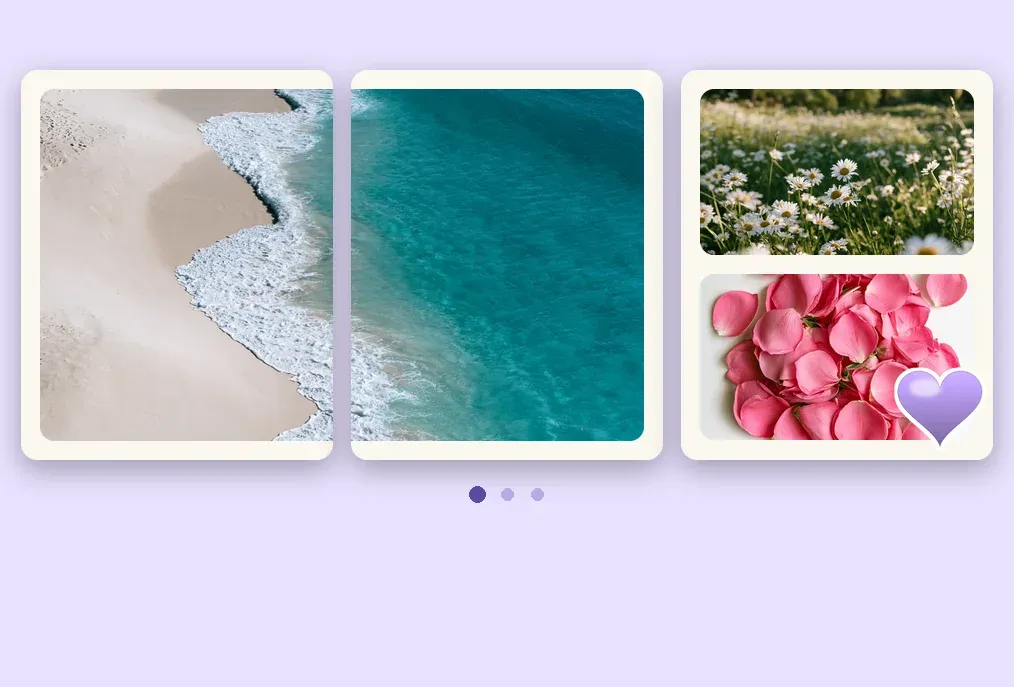
- Keep one shape. Instagram gives every slide the first slide's shape, so a dump made of different sizes gets cropped. Portrait 4:5 is the best fit. The carousel size guide has the numbers.
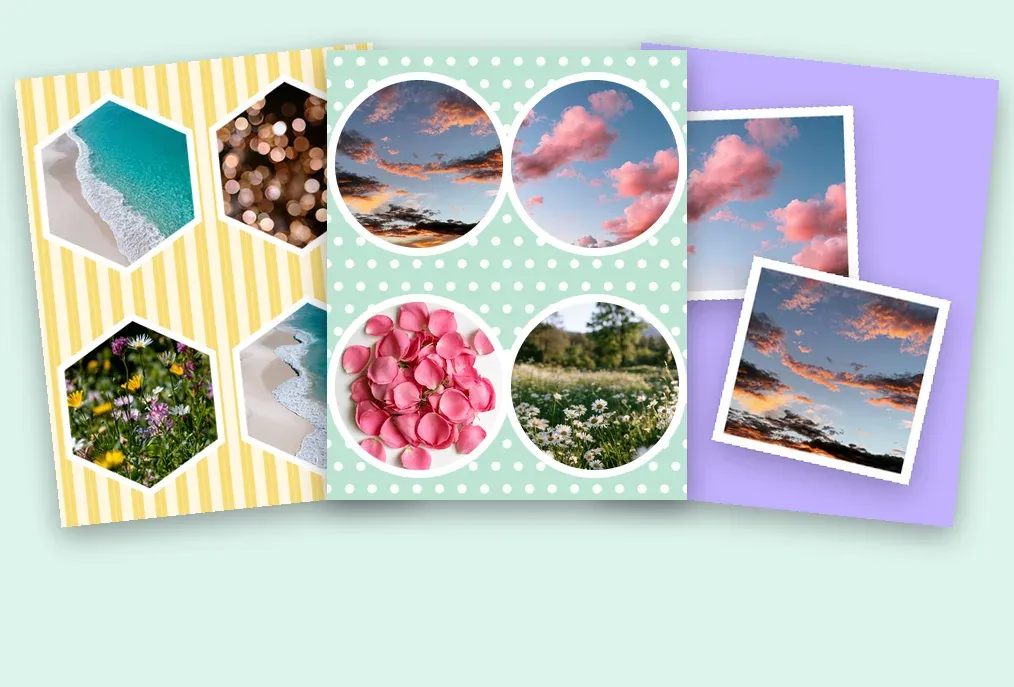
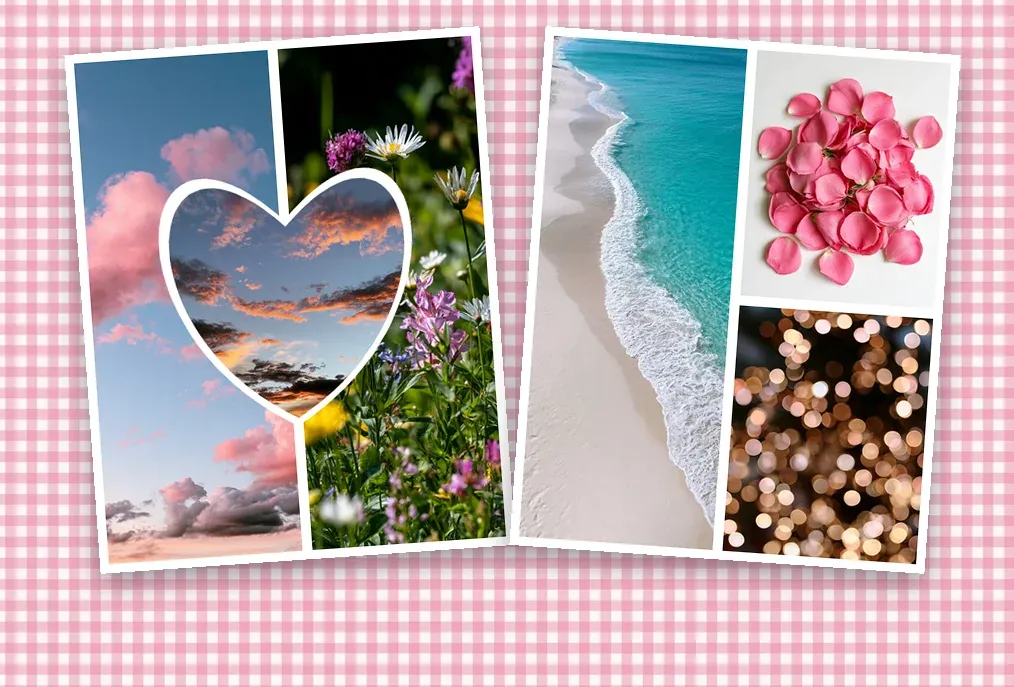
- Mix in a collage slide. Four small photos on one slide count as one slide but show four moments.
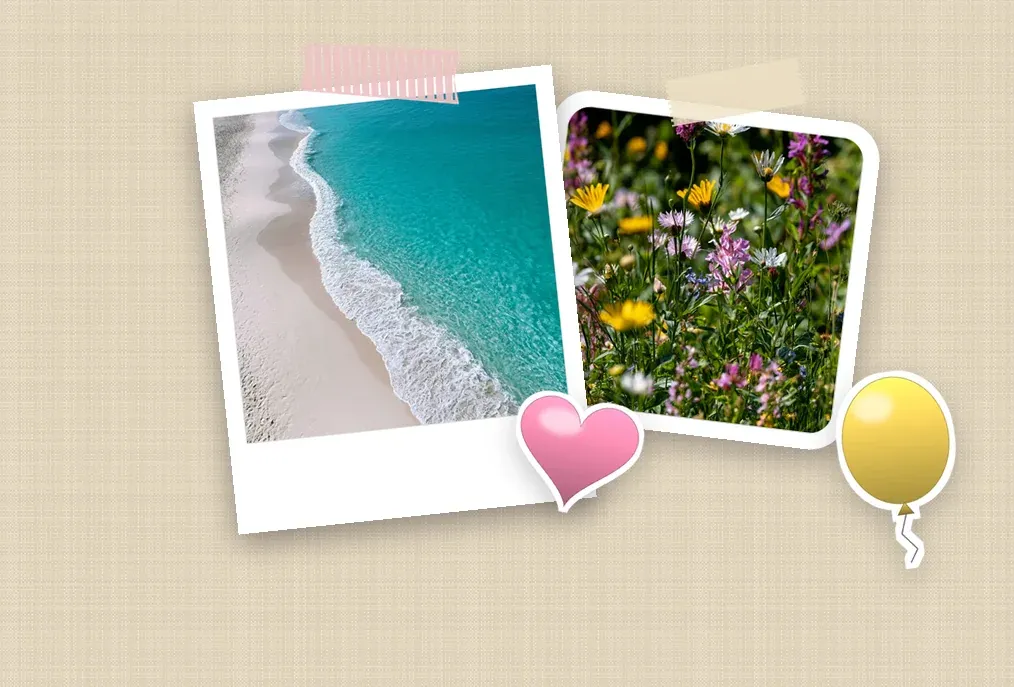
- Try a scrapbook slide: photos in polaroid frames with tape and stickers, placed freehand.
A monthly recap, made for you
In Collagio, the home screen has month and year recap templates: pick the photos and they fall into place. For a full dump, open Carousel, add up to 20 slides, and fill them with single photos, collage layouts or freestyle scrapbook pages. When you tap Save to phone, every slide lands in your gallery in order, ready to select in Instagram one, two, three.
Want the slides to flow into each other? See how to make a seamless carousel.
Caption ideas
Keep it short. The photos are the post.
- November, mostly
- Recently
- Proof I left the house
- A few good days
- Camera roll, cleaned up
- Notes from the weekend
Questions people ask
How many photos should a photo dump have?
Instagram allows up to 20. Eight to twelve is usually enough: long enough to feel like a dump, short enough that people reach the end.
What should the first photo in a photo dump be?
Your strongest photo, the one that would work as a single post. It is the only one that shows on your profile grid.
How do I make a monthly recap post?
Pick one photo from each week, or the best few from the month, and use a recap template or a grid collage as the first slide. Collagio has month and year recap templates.
Should a photo dump be in time order?
It doesn't have to be. Ordering by look, alternating wide shots and close-ups, usually works better than strict time order.