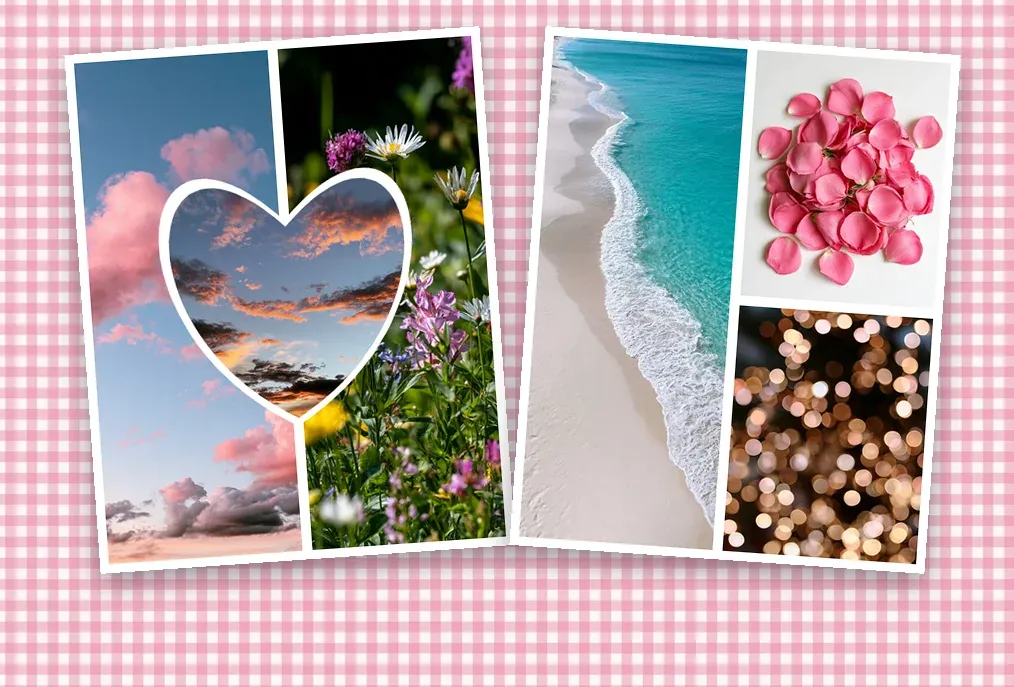
In a heart collage, one photo sits in a heart shape in the middle and other photos fill the space behind it. The heart is the first thing people see, so it holds the photo that matters most: the two of you, the birthday person, the new baby.
Pick a layout by photo count
Collagio's heart layouts are in the Shapes family. Each one puts a heart over a grid of photos:
| Photos in all | Behind the heart | Good for |
|---|---|---|
| 2 | 1 full-size photo | A portrait in the heart over a place or a pattern (free) |
| 3 | 2 side by side | Then and now, or two places |
| 4 | 3 in rows | A short story: start, middle, end |
| 5 | 4 in a 2 x 2 grid | The classic heart collage (free) |
| 6 | 5 in two rows | A weekend or a trip |
| 7 | 6 in a 2 x 3 grid | Six moments around one favorite |
| 9 | 8 around the heart | A full frame of memories around one photo |
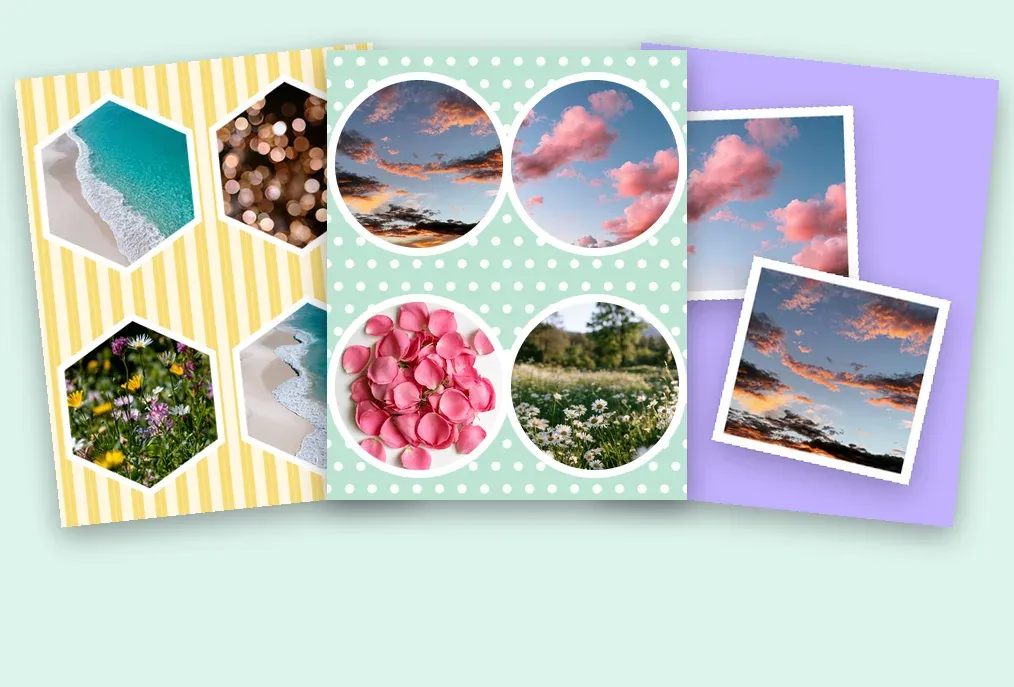
The same layouts come with a circle, diamond, hexagon or star in the middle instead of a heart.
Make it
- Open Collage and pick your photos, the main photo first.
- Open the Shapes family in the layout list and choose a heart for your photo count.
- Put the main photo in the heart. Drag photos between cells to swap them. Then drag inside the heart to center the face, and zoom so the face fills most of it.
- Choose the format: 4:5 for a post, 9:16 for a Story or phone wallpaper, 1:1 for square.
- Finish it with a border color, a background pattern, a few stickers or a line of text.
- Tap Save to phone.
What makes a heart collage work
- A close-up in the heart. A heart is narrow at the bottom and split at the top. A face shot from the shoulders up fits it, a full-length group photo doesn't.
- Quieter photos behind it. Busy photos around the heart compete with it. Skies, beaches, flowers and soft bokeh lights let the heart stand out.
- A border that matches. A white or pink border makes the heart shape read clearly. With no border, the heart blends in.
- One color theme. Pinks and reds for Valentine's Day, gold and cream for an anniversary, bright colors for a birthday.
Ideas to try
- Anniversary: your first photo together in the heart, one photo from each year around it.
- Birthday: a baby photo in the heart and recent photos around it, or the reverse.
- Valentine's Day: a heart over a pink gingham background with a few heart stickers.
- Mother's or Father's Day: a photo of them in the heart and the kids around it.
- Pet: their best face in the heart, their favorite spots around it.
- Memorial: one favorite photo in the heart, a few quiet ones around it, and a short line of text.
Questions people ask
How many photos can a heart collage have?
In Collagio, a heart layout holds one photo in the heart and 1 to 8 photos around it: 2, 3, 4, 5, 6, 7 or 9 photos in all.
Is there a free heart collage template?
Yes. Two heart layouts in Collagio are free: the heart over one photo and the heart over four photos. You can also unlock any other single layout for good by watching a short ad.
What size should a heart collage be for Instagram?
Use 4:5 (1080 x 1350) for a feed post or 9:16 (1080 x 1920) for a Story. The heart keeps its shape in every format.
Can I print a heart collage?
Yes, but plan for its size: Collagio saves images 1080 pixels wide, which prints sharply up to about 4 x 5 inches.