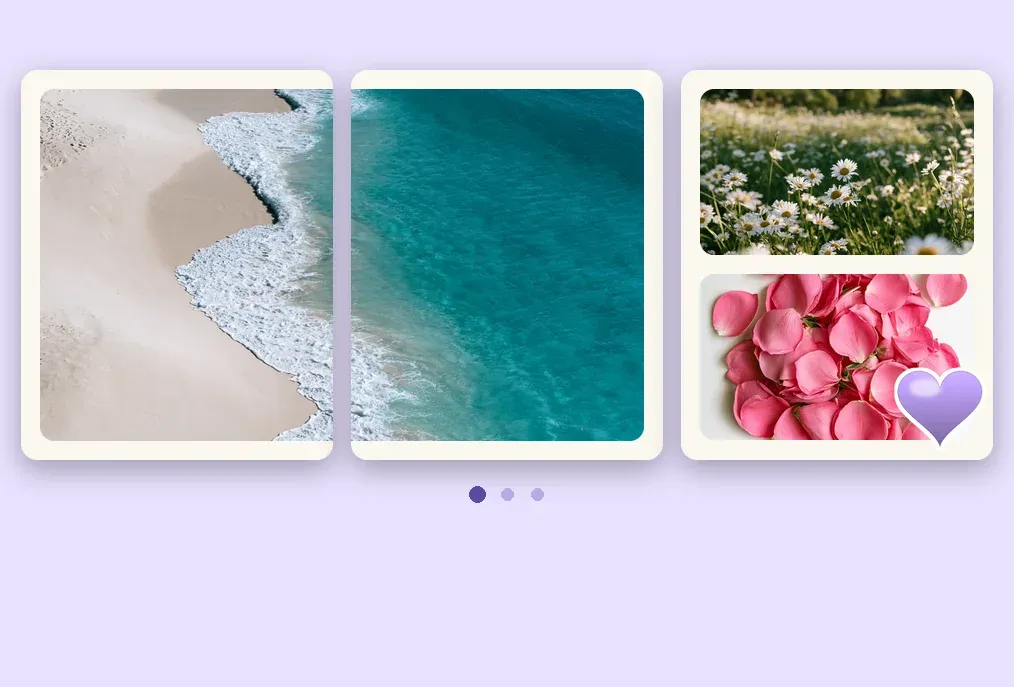

In a pop out photo, the picture sits in a frame or a collage cell, but the subject doesn't stay inside it. A head, a hand, a dog's ears overlap the border and sit on top of it. The flat photo suddenly has depth.
The usual way to make it is in Photoshop or Canva: duplicate the photo, cut the subject out by hand, add a frame, and stack the cut-out on top. It takes a while, and the cut-out edges are where it goes wrong.
Make it in one tap
- Make a collage with the photo in it. Any layout works, but a cell with a visible border shows the effect best.
- Place the subject near the edge of its cell. Drag and zoom the photo so the head or the part you want to pop out sits right at the border.
- Tap the photo and choose Pop out PRO. Collagio finds the subject on your phone and lifts it over the border.
- Save to phone when you like it, or tap Turn off Pop out to go back.
Pop out and Cutout use Google Play services to find the subject on the phone. The first time, Play services may need a moment to download what it uses.
Photos that pop
- One clear subject: a person, a pet, a product. Groups and crowds confuse any cut-out.
- Contrast with the background. A dark coat on a light wall separates cleanly; a brown dog on brown grass does not.
- Room to break out. The subject needs space in the original photo beyond the cell's edge, or there is nothing to pop out.
- A thick border. The effect is more visible over a white or colored border than over a thin line.
Ideas
- A pet's head popping out of a circle in a shaped layout.
- A jump shot, with the jumper breaking through the top of the frame.
- A product shot for a small shop, the product overlapping a clean border.
- The first slide of a carousel, with the subject breaking toward slide 2.
Want the subject on its own?
Cutout PRO turns the subject of any photo into a sticker you can place anywhere on a collage, over other photos or the background. Look for Make a sticker from this photo when you add stickers.
Questions people ask
What is the pop out photo effect?
Also called the out-of-frame or 3D frame effect, it puts a photo inside a frame or border and lets the subject, such as a person's head or a pet, overlap the frame so it looks like it is coming out.
Can I make a pop out effect without Photoshop?
Yes. In Collagio, tap a photo in any layout and choose Pop out. The subject is found and lifted over the border for you.
Is Pop out free?
Pop out is part of Collagio Pro, which is $2.99 a month or $24.99 once. Making and saving collages is free.
Why did Pop out not find my subject?
The subject may blend into the background or be very small. Photos with one clear person, pet or object against a plain background work best.