
Turn a camera roll into collages and carousels worth posting.
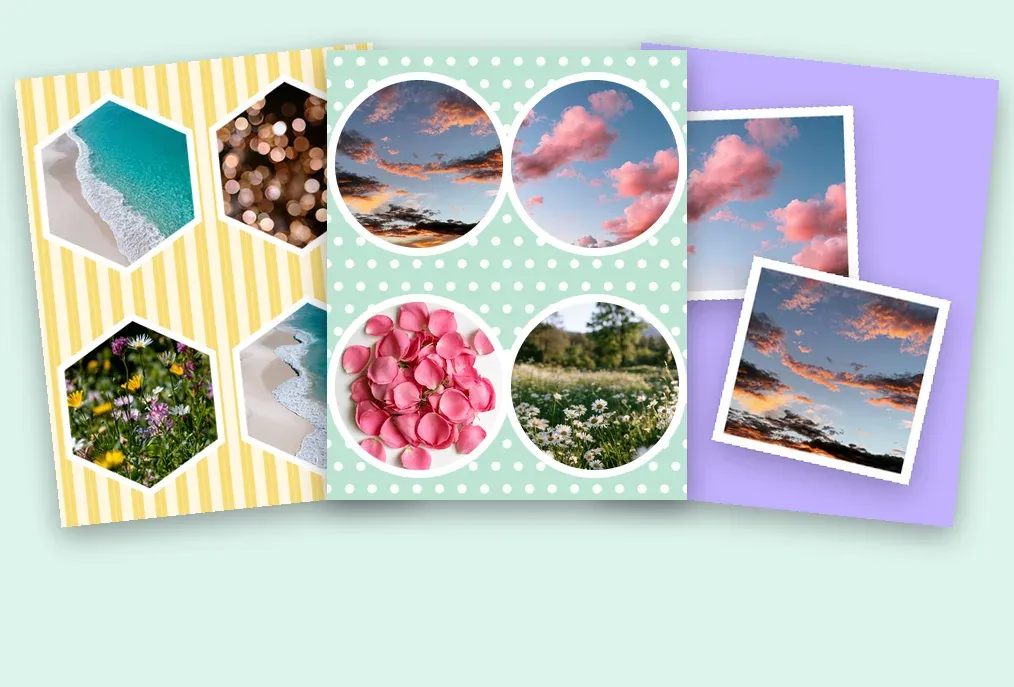
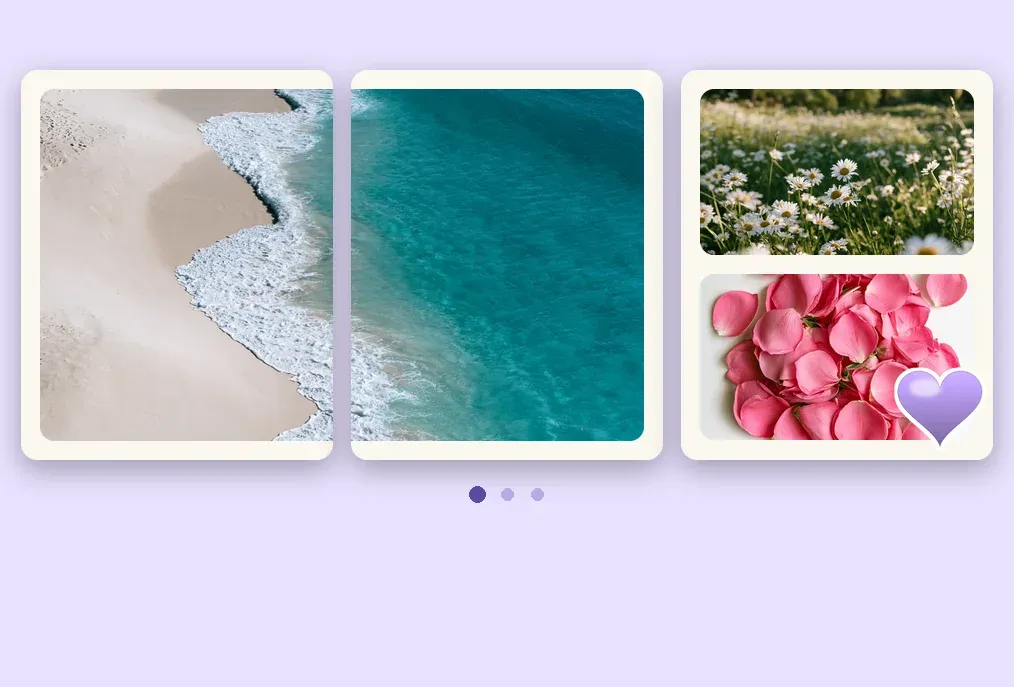
Heart cut-outs, grids, freestyle scrapbook pages and seamless Instagram carousels, all made on your phone. Your photos never leave it.
Move your cursor or click anywhere to ripple the antigravity field



No account, no sign-in, zero uploads.
Hover or tap any tool to explore what's inside Collagio
Build a layout right here
Pick a shape, tune spacing and corners, try filters, drag freestyle polaroids, or drop in your own photos. Everything stays inside this browser tab.
Collages, carousels and the tools to dress them up
Each tile on Collagio's home screen opens a focused editor. Explore every surface below.
 Polaroid frames & tape
Tilt, layer, and decorate freely without rigid grids.
Colors, patterns & tuning
Pastels, gingham, linen, and per-photo warmth & contrast.
Fast, private, and yours to keep
Photos stay on your phone
Projects are saved on the phone and nothing is uploaded. Pop out and Remove run locally too.
No account, no forced ads
Open the app and start. There's no sign-in, and an ad plays only when you choose one to unlock a design.
Full-quality saves
1080 px wide JPEGs at Instagram's exact sizes: 4:5 portrait, square, and story.
Work is never held back
Saving is never blocked, and no paywall appears in the middle of a project.
Free to use. Pro if you want everything.
No free trial, so nothing starts charging you later.
Free
For as long as you like
- Unlimited photos and projects
- A large set of free layouts, templates, stickers and fonts
- Full-quality saves, with a small Collagio mark
- Unlock a Pro design for good by watching a short ad
- Anything free today stays free
Pro Collagio Pro
or $24.99 once, yours for good
- No Collagio mark on your saves
- Every Pro layout, template, sticker, filter, font, frame and background
- Pop out (on-device)
- Remove (on-device)
- No ads
- Cancel the monthly plan any time in Google Play
Prices in US dollars. Google Play shows the price in your currency before you buy.
Get Collagio for Android
Coming soon to Google Play. Needs Android 8.0 or newer.
Good to know
Is Collagio free?
Yes. You can make and save collages and carousels for free with unlimited photos. Free saves carry a small Collagio mark, and you can unlock any Pro design for good by watching a short ad. Collagio Pro removes the mark and unlocks every Pro-badged item, Pop out and Remove for $2.99 a month or $24.99 once.
Are my photos uploaded anywhere?
No. Your photos and projects stay on your phone. Pop out and Remove run on the phone too. There is no account and no sign-in. The privacy policy lists the little that does leave the phone, such as crash reports.
What size are the saved slides?
Slides save as full-quality JPEGs, 1080 pixels wide: 1080 x 1350 for portrait, 1080 x 1080 for square and 1080 x 1920 for stories. Those are the sizes Instagram posts at.
Is there a free trial?
No. The free version is the trial, so nothing starts charging you later. Pro is a monthly plan you can cancel in Google Play, or a one-time purchase.
Is Collagio on iPhone?
Not at the moment. Collagio is an Android app and needs Android 8.0 or newer.