Instagram displays posts 1080 pixels wide, so every size below starts there. Send a bigger file and Instagram scales it down. Send a smaller one and it looks soft.
Slide sizes
| Shape | Pixels | Use it for |
|---|---|---|
| Portrait 4:5 | 1080 x 1350 | Most carousels. The most room in the feed. |
| Portrait 3:4 | 1080 x 1440 | Posts made for the profile grid. Instagram has taken this shape from the app since 2025. |
| Square 1:1 | 1080 x 1080 | Classic grids and product shots. |
| Landscape 1.91:1 | 1080 x 566 | Wide shots. Small in the feed, so use it rarely. |
| Story 9:16 | 1080 x 1920 | Stories and Reels covers, not feed carousels. The feed crops it. |
All the slides in one carousel share the shape of the first slide. If you mix sizes, Instagram crops the rest to match, which is how heads get cut off. Make every slide the same size before you post.
How many slides
A carousel takes up to 20 photos or videos, in any mix. The limit went from 10 to 20 in August 2024, which is why 20-slide photo dumps are everywhere. Two is the minimum. In practice, most carousels that hold attention are 5 to 10 slides.
How the profile grid crops your carousel
Since early 2025 your profile grid shows posts as 3:4 rectangles instead of squares. The grid only shows the first slide of a carousel, cropped to fit:
- A 4:5 slide (1080 x 1350) loses about 34 pixels from each side. Barely noticeable.
- A square slide (1080 x 1080) loses about 135 pixels from each side, a quarter of its width. Text near the edges gets cut.
- A 3:4 slide (1080 x 1440) fits the grid exactly.
Whatever shape you use, keep the important part of slide 1 near its middle.
Seamless carousel canvas sizes
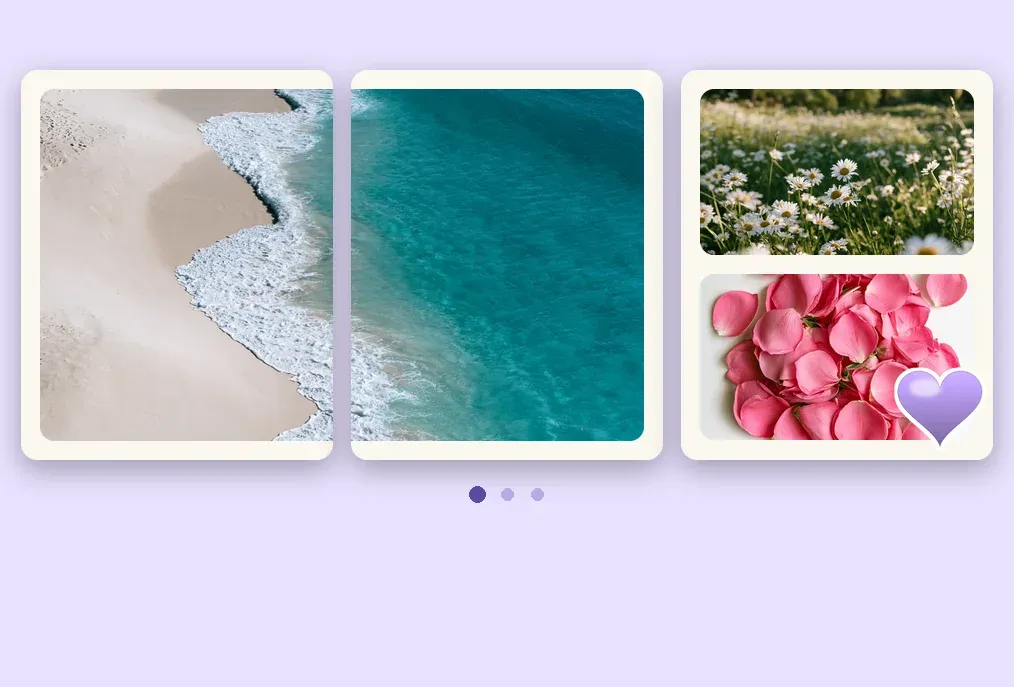
A seamless carousel is one wide image cut into equal slides. The canvas is 1080 pixels times the number of slides wide:
| Slides | 4:5 canvas | Square canvas | 3:4 canvas |
|---|---|---|---|
| 2 | 2160 x 1350 | 2160 x 1080 | 2160 x 1440 |
| 3 | 3240 x 1350 | 3240 x 1080 | 3240 x 1440 |
| 4 | 4320 x 1350 | 4320 x 1080 | 4320 x 1440 |
| 5 | 5400 x 1350 | 5400 x 1080 | 5400 x 1440 |
| 6 | 6480 x 1350 | 6480 x 1080 | 6480 x 1440 |
| 7 | 7560 x 1350 | 7560 x 1080 | 7560 x 1440 |
| 8 | 8640 x 1350 | 8640 x 1080 | 8640 x 1440 |
| 9 | 9720 x 1350 | 9720 x 1080 | 9720 x 1440 |
| 10 | 10800 x 1350 | 10800 x 1080 | 10800 x 1440 |
| 20 | 21600 x 1350 | 21600 x 1080 | 21600 x 1440 |
Cut the canvas every 1080 pixels from the left. If one slide comes out at 1079 or 1081, the picture jumps when people swipe.
File tips
- Save as JPEG in sRGB color. Other color spaces can look washed out after upload.
- Keep the quality high. Instagram compresses everything again, and starting from a heavily compressed file shows.
- Keep text at least 60 pixels in from every edge.
Questions people ask
What is the best size for an Instagram carousel?
Portrait 4:5 at 1080 x 1350 pixels per slide. It takes up the most room in the feed and only loses a thin strip from each side in the profile grid.
How many slides can an Instagram carousel have?
Up to 20 photos or videos. Instagram raised the limit from 10 to 20 in August 2024.
Can carousel slides be different sizes?
No. Instagram gives every slide the shape of the first one, so make them all the same size before you post.
What size is a seamless carousel with 3 slides?
3240 x 1350 pixels for portrait 4:5 slides, or 3240 x 1080 for square slides. Cut it into three pieces 1080 pixels wide.